
LESS HYPE. MORE USEFUL WORK.
Make AI useful
for the work
you do.
Guides, tool comparisons and browser workspaces for preparing inputs and reviewing results.
START WITH THE WORK
What would you like AI to help with?
Prepare a useful brief
Turn a task, source material and expected output into a prompt you can reuse.
Plan a presentation
Turn your topic and source notes into an ordered slide plan and reusable prompts.
Build your own method
Use guides that connect the input, the task and the checks that follow.
BROWSER WORKSPACES
Your task.
Your working process.
Four free tools for everyday tasks. Six premium workspaces for connected prompts, knowledge packs, structured outputs and presentations. Your projects stay in your browser.
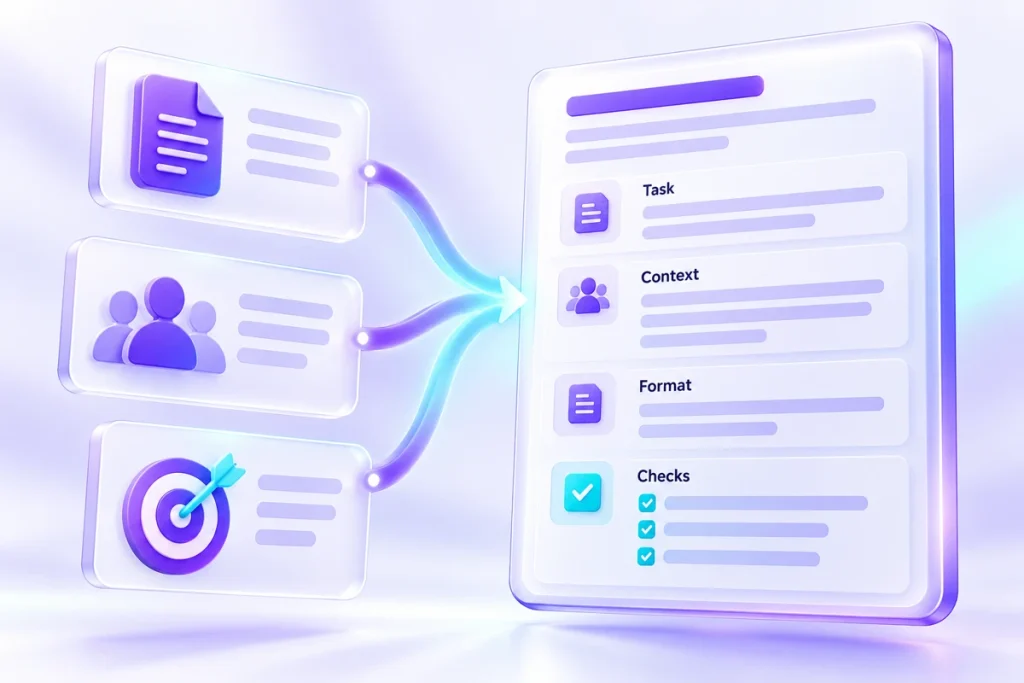
Task Brief Builder
Build a reusable AI task brief from 30 task cards, your source material and the result you need.
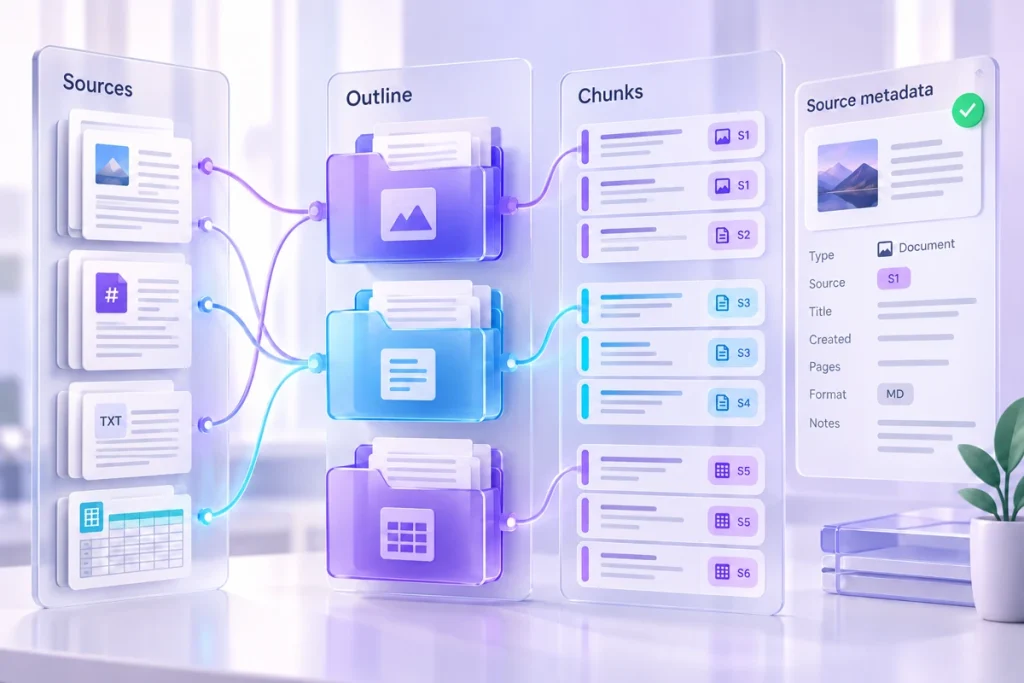
Knowledge Pack Builder
Organise local source files into 12 outlines, preserve originals and export labelled chunks with provenance.

AI Presentation Prompt Studio
Plan a presentation with 32 blueprints, shape each slide and export prompts for content, visuals and speaker notes.
FEATURED GUIDE
Give the task
a better starting point.
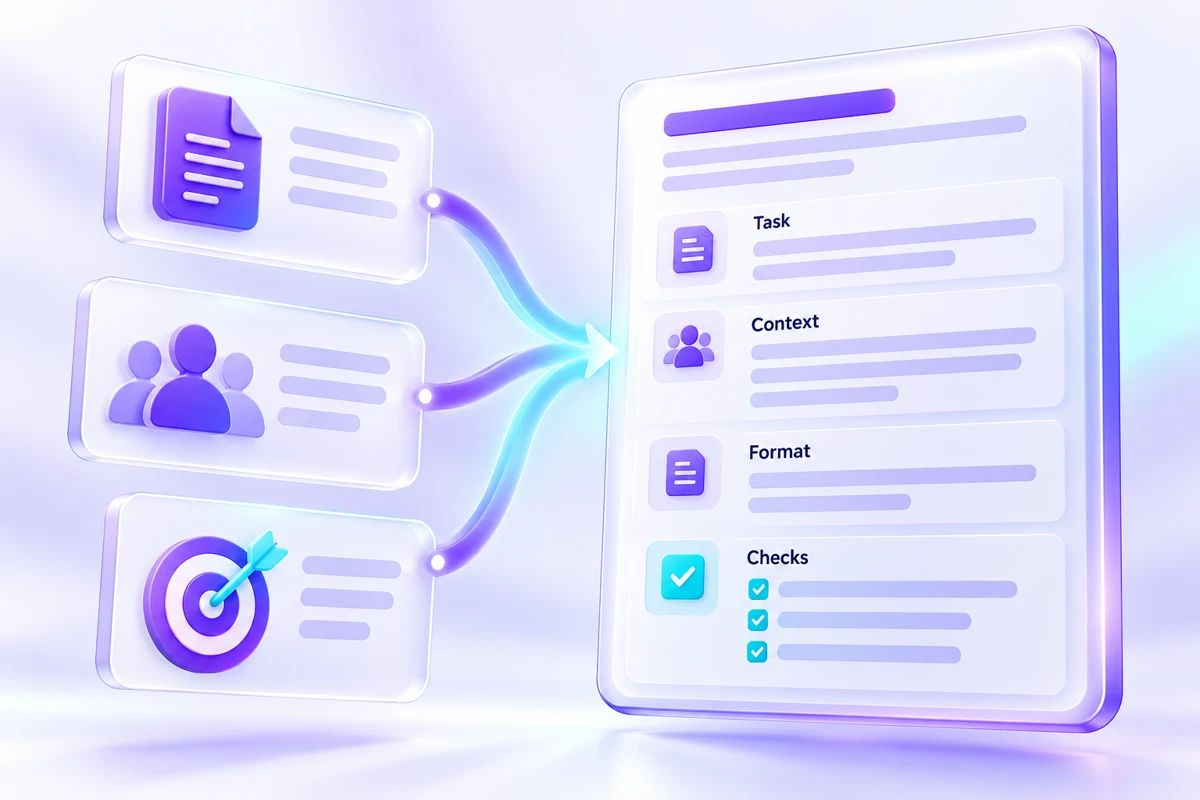
A prompt becomes more useful when it contains the facts, an intended reader and something observable to check. Work through a small example before building your own brief.
PRESENT YOUR IDEAS
A story worth sharing.
A plan for every slide.
Build a presentation around your audience and your own facts. Choose a blueprint, shape the slides and take a complete set of content, visual and speaker-note prompts to your AI tool.

FIND THE TOOL FOR THE TASK
Compare what you can do with it
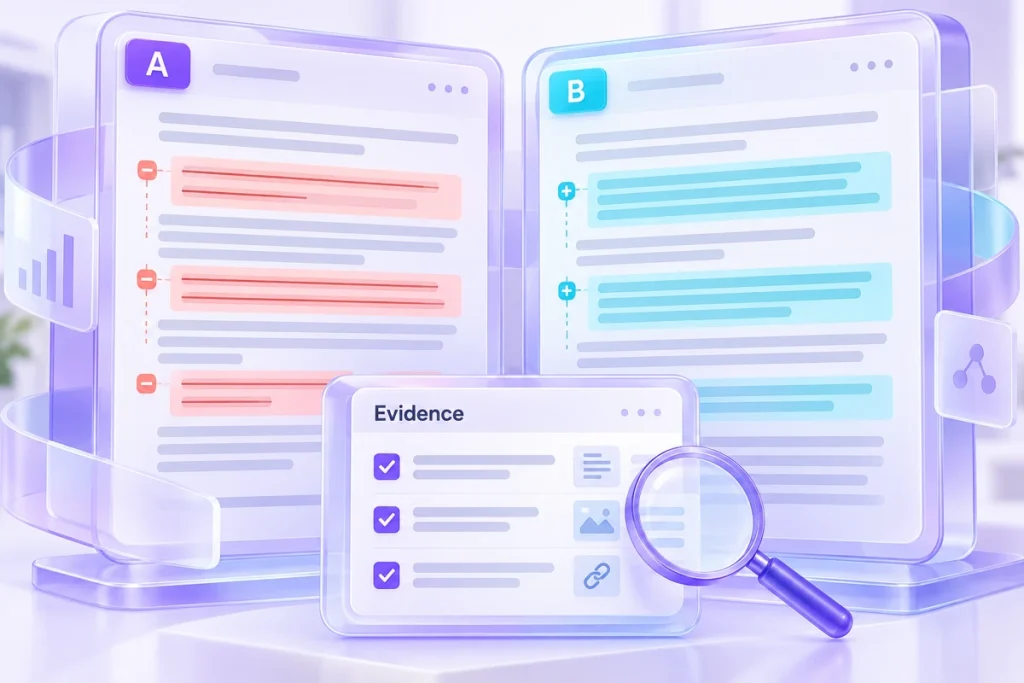
Top 4 AI Tools for Drafts, Documents and Rewriting
The phrase “AI writing tool” covers several jobs. You may need a first draft from notes, a conversation around reference documents, answers grounded in a reading collection or a better version of…
Explore the comparisonTop 4 AI Audio Tools: Notes, Cleanup, Transcripts or Narration?
Audio tools can sit at opposite ends of a workflow. Some begin with a recording and produce text. Others begin with text and produce a voice. This comparison helps you identify the…
Explore the comparisonTop 3 AI Image Tools for Creating, Editing and Cutting Out
Making a new picture and preserving an existing product photograph are different jobs. This comparison looks at three routes through image work: exploring a visual direction, editing a defined area and extracting…
Explore the comparison
Top 3 AI Tools for Clips, Captions and Presentation Drafts
A recording, a caption track and a slide deck can belong to the same project without needing the same tool. This comparison follows the deliverable: find a useful excerpt, make a video…
Explore the comparison
Top 5 AI Tools for Documents, Data and Repeatable Workflows
A team can call every problem “an AI workflow problem” and still be comparing tools that have little in common. The useful question is where work currently gets stuck. This shortlist separates…
Explore the comparisonFROM THE JOURNAL
A method you can try today
Work through a small example, inspect the result and adapt it to your own task.
Write a Task Brief That Gives AI Something to Work With
A useful prompt starts before the first instruction.
Read the guideCheck the Citation Before You Publish the Claim
A citation is useful because it gives you somewhere to look.
Read the guide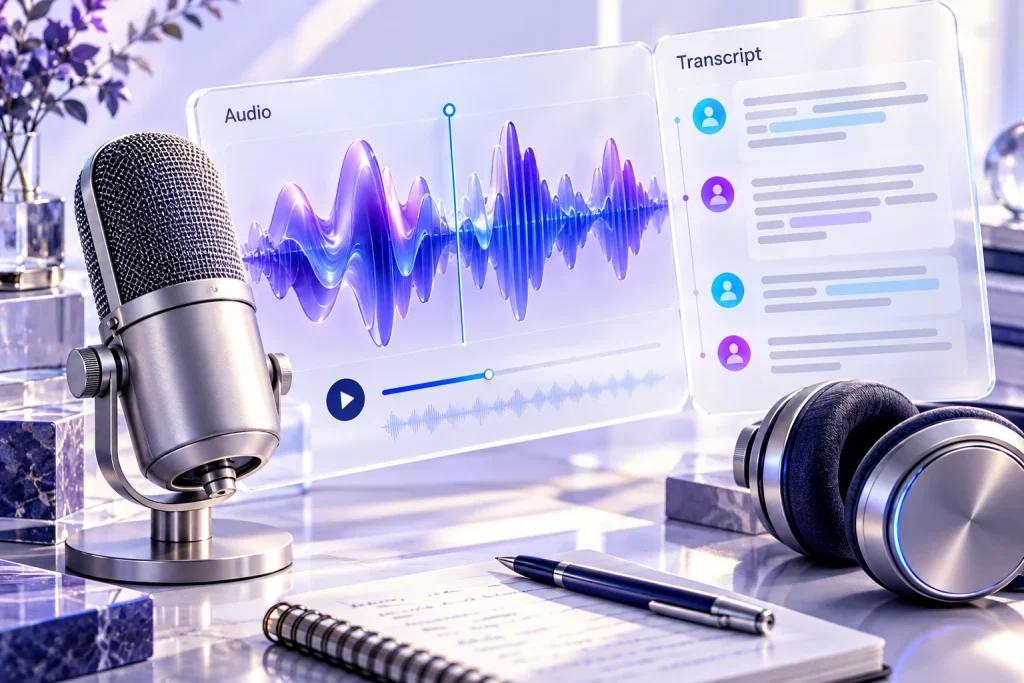
Review a Transcript for the Words That Matter Most
A transcript does not need to contain many errors to cause a problem.
Read the guide
BEFORE YOU SUBSCRIBE
A closer look at the tools
Documented capabilities, the trade-offs to check and a trial you can judge for yourself.
ChatGPT review: a working draft from a supplied brief
A working draft from a supplied brief. A look at documented features, trade-offs and a trial you can inspect.
Read the reviewOtter review: meeting notes that can be checked and shared
Meeting notes that can be checked and shared. A look at documented features, trade-offs and a trial you can inspect.
Read the review
Adobe Firefly review: an image edit with a defined area and purpose
An image edit with a defined area and purpose. A look at documented features, trade-offs and a trial you can inspect.
Read the review
HELLO, WE’RE USEFUL AI NOTES
A place to work out
what AI is useful for.
The interesting part of AI starts with an actual job: a document to organise, a question to investigate or a result to check. This site brings those tasks together with browser tools you can make your own.
OUR APPROACH
Start with evidence. Keep your judgment.
Use the source
Keep facts and source material attached to the task. Mark what is missing.
Make the checks visible
Explain what a useful answer needs to contain, then inspect the result.
Stay open about limits
Distinguish original examples, documented facts and personal judgments.

ALL APP ACCESS
One workspace collection.
Room for the way you work.
Prepare multi-step prompts, package sources, inspect JSON, plan presentations and estimate usage. Buy the tools you need individually, or unlock every app on this site with All App Access. Future additions are included.
BRING A TASK. MAKE A START.
What’s on your desk today?
Choose a task card, add your material and build a brief you can take to your preferred AI tool.